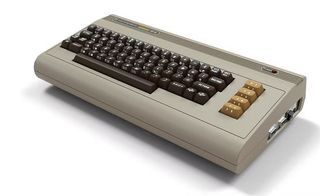
Commodore 64 Émulateurs
4 émulateurs disponibles — choisissez le bon pour votre appareil
BizHawk
RecommandéOpen SourceBizHawk is a multi-system emulator focused on Tool-Assisted Speedruns (TAS). It supports over 30 consoles, offers frame-by-frame rewind, RAM watch, Lua scripting, and is the go-to tool for the TASVideos community.
RetroArch
RecommandéOpen SourceRetroArch is an all-in-one frontend for emulators, game engines, and media players. It brings hundreds of emulator cores under one roof with a unified interface, shader support, and cross-platform availability.
VICE
RecommandéOpen SourceVICE (Versatile Commodore Emulator) is the definitive Commodore 64 emulator, also covering the C128, VIC-20, PET, PLUS/4, and CBM-II. It is open-source and runs on every major platform.
CCS64
CCS64 is a highly accurate Commodore 64 emulator for Windows. It has a long history and supports a very large number of C64 titles with excellent fidelity to the original hardware.
Comment jouer aux ROMs C64
- 1Télécharger un émulateur dans la liste ci-dessus — choisissez-en un compatible avec votre système d'exploitation.
- 2Télécharger un ROM pour le jeu que vous souhaitez jouer depuis notre bibliothèque de jeux.
- 3Ouvrir le ROM dans l'émulateur via Fichier → Ouvrir ou en faisant glisser le fichier ROM dans la fenêtre.
- 4Configurer les contrôles dans les paramètres de l'émulateur pour mapper votre clavier ou manette, puis profitez du jeu !