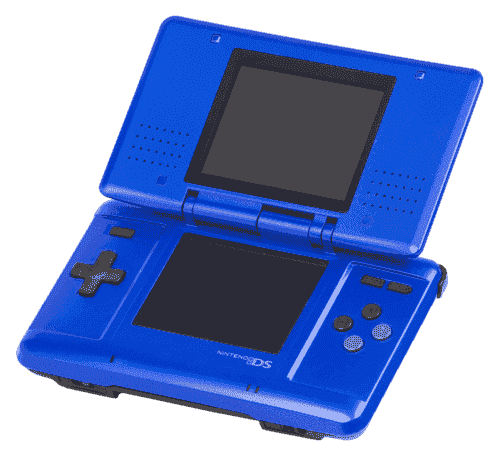
Nintendo DS 模拟器
7 款模拟器可用 — 选择适合你设备的版本
BizHawk
推荐开源BizHawk is a multi-system emulator focused on Tool-Assisted Speedruns (TAS). It supports over 30 consoles, offers frame-by-frame rewind, RAM watch, Lua scripting, and is the go-to tool for the TASVideos community.
DraStic DS Emulator
推荐DraStic is the fastest Nintendo DS emulator for Android. It features 2× fast-forward, resizable dual screens, cheat code support, and hardware controller compatibility.
melonDS
推荐开源melonDS is a modern, open-source Nintendo DS emulator aiming for accuracy and performance. It supports Wi-Fi simulation, DSi emulation, and OpenGL rendering.
OpenEmu
推荐开源OpenEmu is the best all-in-one emulator for macOS, unifying multiple cores in one polished Mac-native app. It supports a huge range of consoles with automatic ROM organization, artwork fetching, and iCloud saves.
RetroArch
推荐开源RetroArch is an all-in-one frontend for emulators, game engines, and media players. It brings hundreds of emulator cores under one roof with a unified interface, shader support, and cross-platform availability.
DeSmuME
开源DeSmuME is one of the oldest and most feature-complete Nintendo DS emulators, with support for a wide range of games and a long list of enhancement options.
如何游玩 NDS ROM
- 1下载一款模拟器 从上方列表中选择 — 选择与你操作系统匹配的版本。
- 2下载游戏 ROM 在我们的 游戏库.
- 3打开 ROM 在模拟器中通过文件 → 打开,或将 ROM 文件拖入窗口。
- 4配置控制方式 在模拟器设置中映射你的键盘或手柄,然后尽情享受游戏!